How to play padelmiks: Padel Game
padelmiks: Padel Game is 3D padel doubles: you team up with an AI partner against two AI opponents – or with a friend online. Below you'll find the controls, shots, rules and answers to common questions.
Getting started
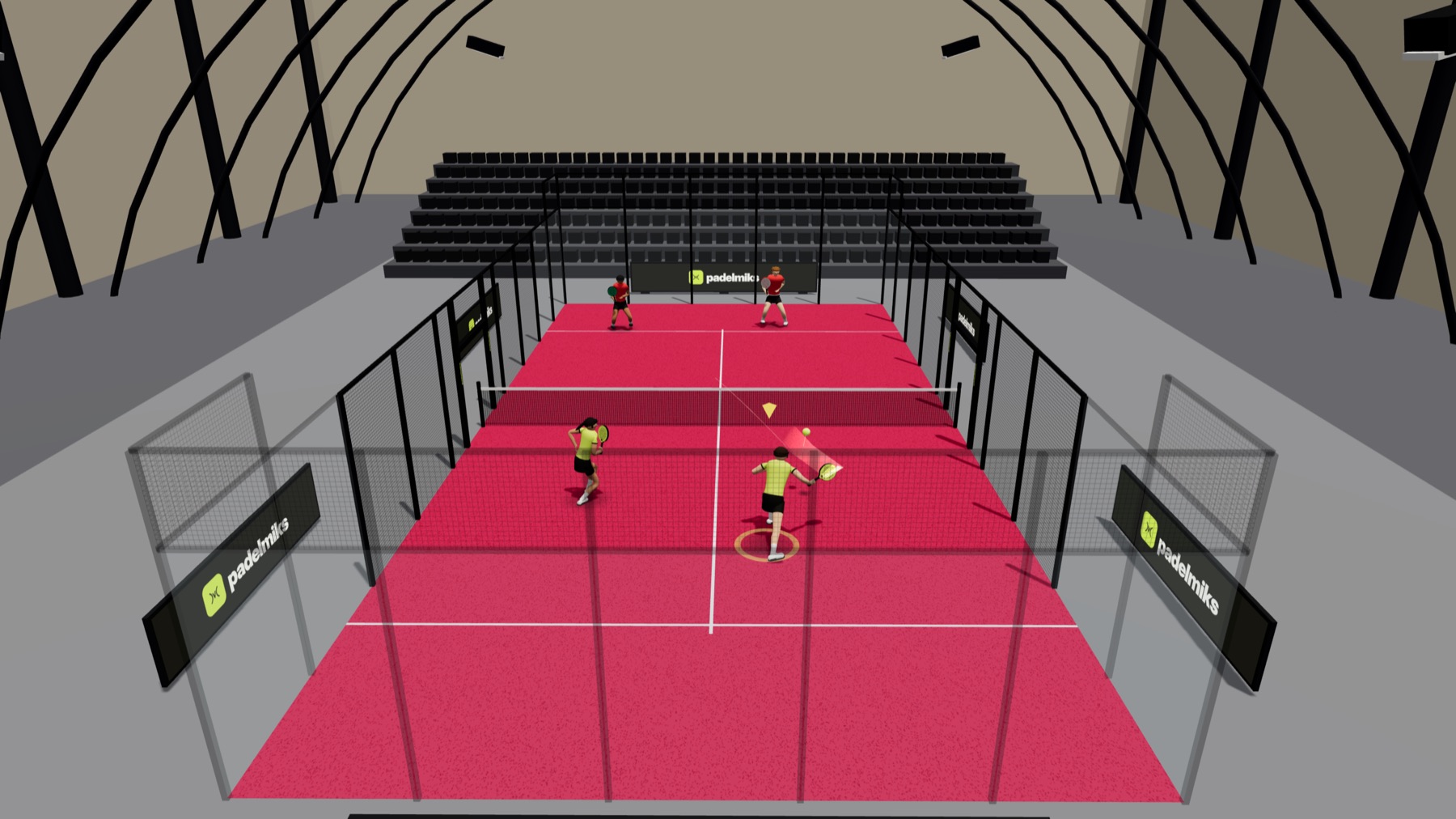
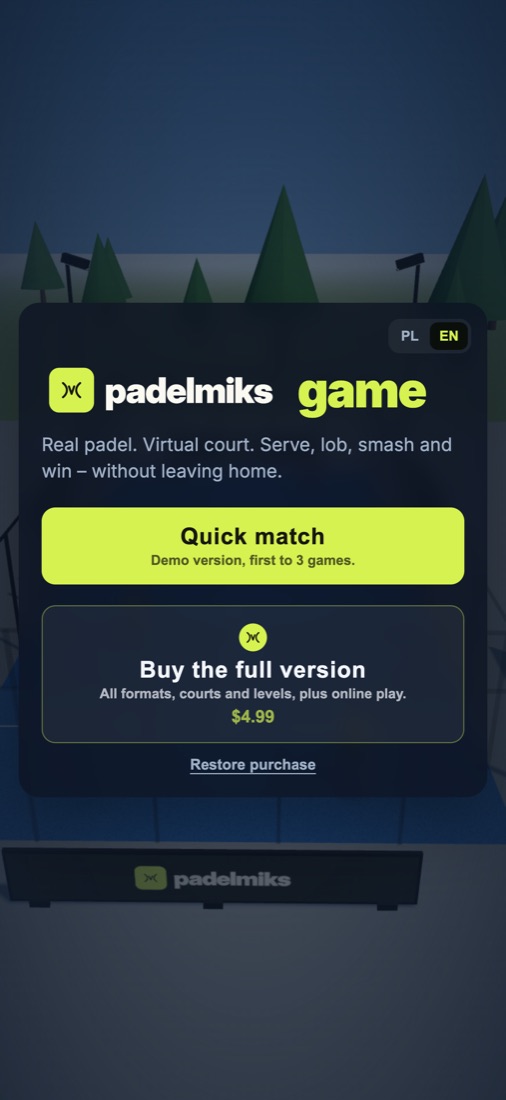
- Quick match – first to 3 games in the park, free and with no account.
- Buy the full version – a one-time purchase unlocks the choice of format, difficulty, court and time of day, plus online play.
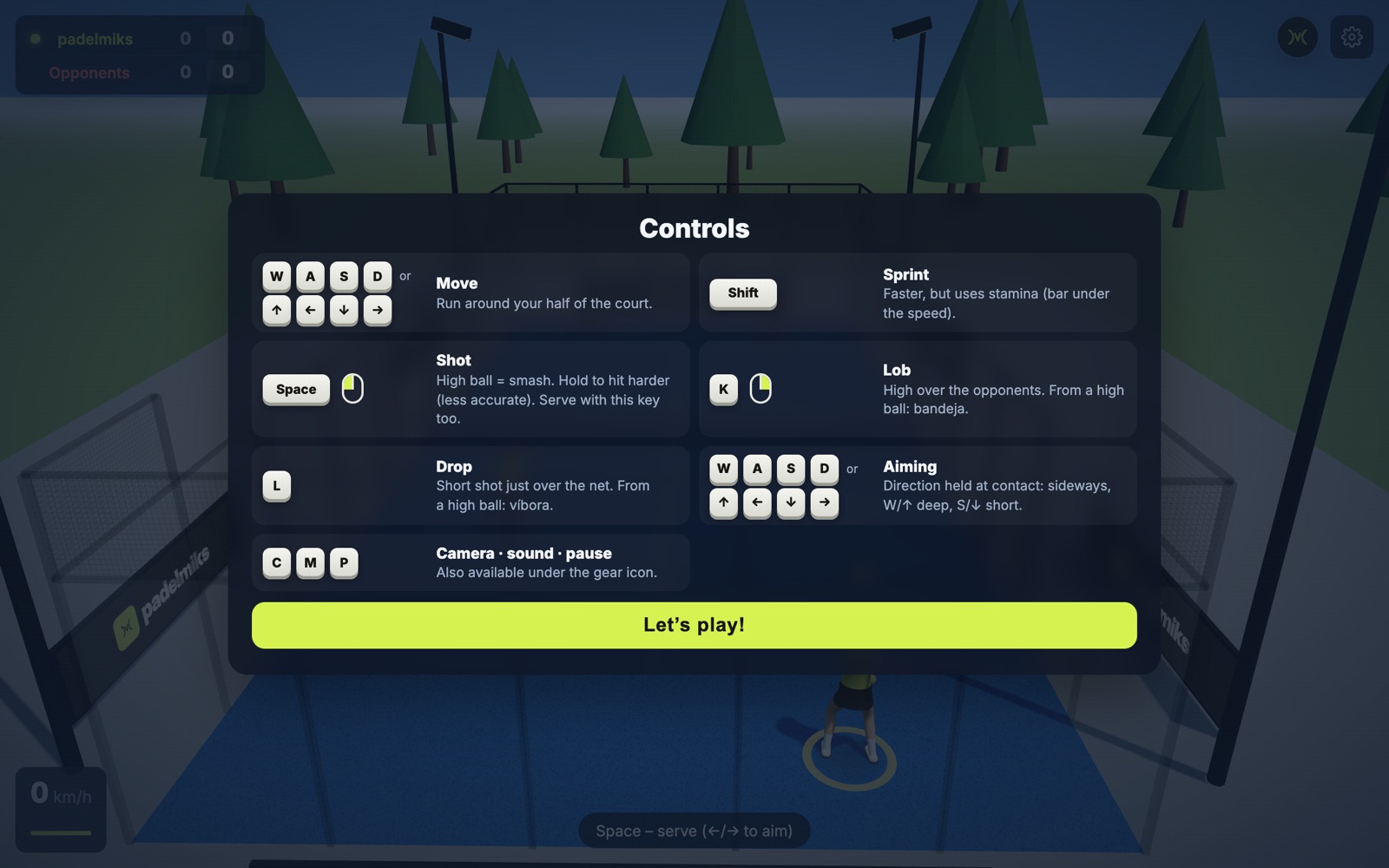
- The first time you step on court you'll see the controls. Later you'll find them under the gear icon → Controls.
Keyboard controls
| Key | What it does |
|---|---|
| WASD or ↑←↓→ | Move around your half of the court. |
| Shift | Sprint – faster, but uses stamina (the bar under the ball speed). |
| Space or J or left mouse button | Shot and serve. A high ball becomes a smash. Hold to hit harder – at the cost of accuracy. |
| K or right mouse button | Lob high over the opponents. From a high ball: bandeja. |
| L | Drop shot just over the net. From a high ball: víbora. |
| direction held at contact | Aiming: sideways – left or right, W/↑ – deep, S/↓ – short. |
| C M P | Camera, sound, pause (also under the gear icon). |
Touch controls
On a touch screen there are two modes (choose in the menu: Auto + gestures or Joystick).
Auto + gestures (default)
Your player runs to the ball on their own and you decide the shot:
- Tap – shot and serve.
- Hold – a harder shot (less accurate).
- Swipe up – lob, from a high ball: bandeja.
- Swipe down – drop shot, from a high ball: víbora.
- Swipe sideways – aim left or right.
- Second finger – manually adjust your player's position.
Joystick
The left side of the screen is the movement joystick, the right side has the Hit, Lob, Drop and Sprint buttons. The joystick direction at contact is your aim.
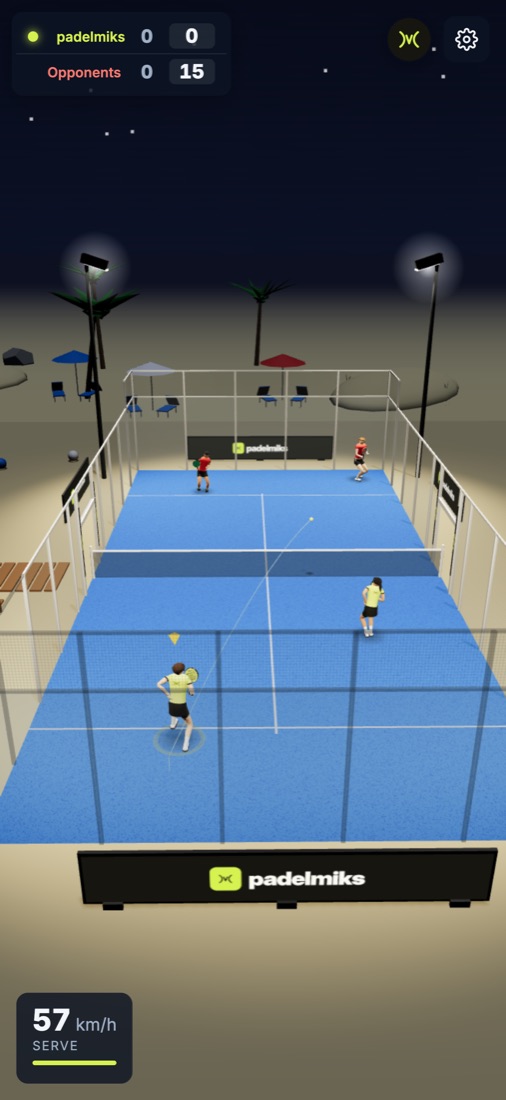
Shots
The game picks the stroke from the ball height and your position. You choose the intent: attack, lob or drop.
| Shot | When |
|---|---|
| Drive (forehand, backhand) | The basic shot from the baseline after the bounce. |
| Volley | At the net, out of the air, before the ball bounces. |
| Lob | High over opponents at the net – pushes them back. |
| Drop shot | A short ball just over the net when the opponents are deep. |
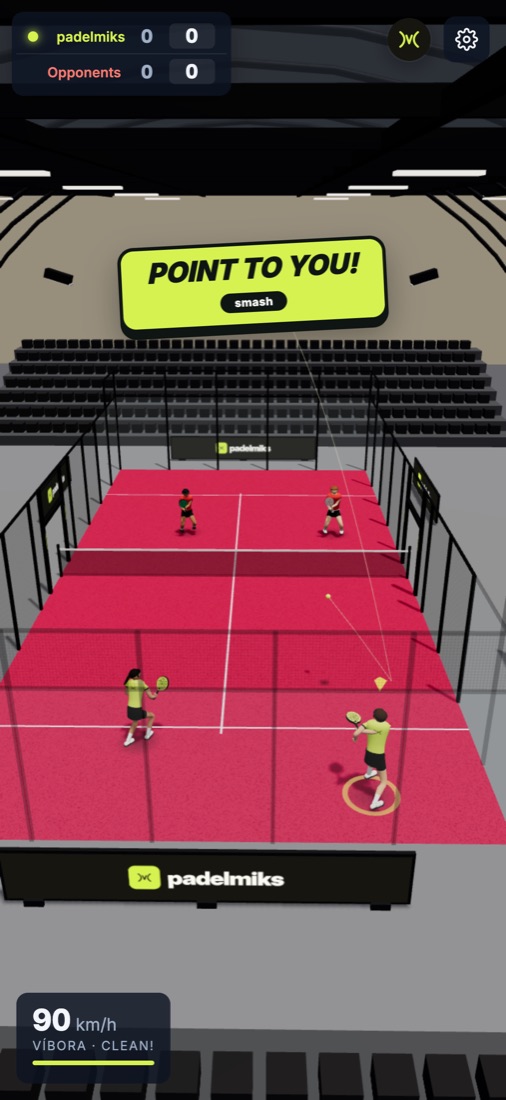
| Smash | A high ball and a full-power attack. |
| Bandeja | A high ball and a lob – a controlled overhead that keeps you at the net. |
| Víbora | A high ball and a drop – a sliced overhead with spin. |
| Off the glass | The ball comes back off your back or side glass – you play it after the wall. |
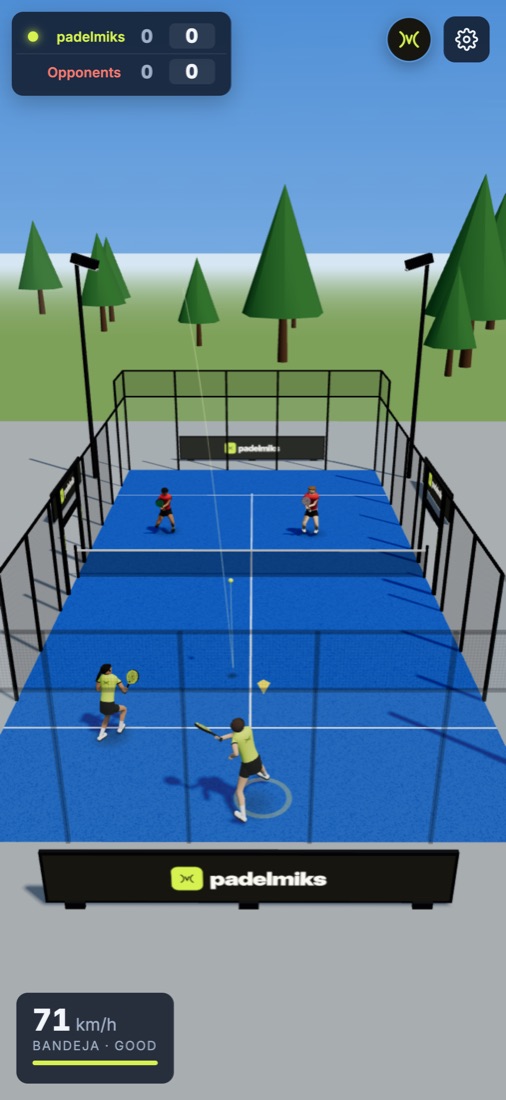
After every shot you see the ball speed and a rating: clean!, good, too late or too far from body. Clean shots are faster and more accurate.
Rules
The game follows the rules of padel. The most important ones:
Serve
- You serve after bouncing the ball on the court, diagonally, into the opponents' service box.
- The serve must bounce in the service box. The first fault gives a second serve, the second one a point to the opponents.
- A serve that clips the net tape and lands in the box is a let – the serve is replayed.
- A serve that hits the fence after the bounce is a fault.
- One player serves the whole game, then the serve goes to the other team.
Rally
- The ball may bounce on the court at most once on your side. Volleys (no bounce) are allowed.
- After bouncing on the court the ball may hit the glass and the fence – play goes on.
- If your shot hits the opponents' wall without bouncing on the court, it's their point.
- If the ball bounces on the opponents' side and flies out of the court, they can run out through the gate at the net and play it back.
- Each team hits the ball once – a second hit by your partner or a double hit is a fault.
- If the ball hits a player, the point goes to the other team.
Scoring
- Points in a game: 0, 15, 30, 40, game. At 40:40 it's deuce, then advantage (AD).
- After the second deuce in a game a golden point is played – whoever wins it wins the game.
- A set goes to the first team to win 6 games with a two-game lead. At 6:6 a single game decides the set (7:6).
Modes and levels
| Setting | Options |
|---|---|
| Match | 1 game, 1 set or a full match (best of three sets). A quick match is first to 3 games. |
| Level | Easy, medium or hard – faster, more accurate opponents who smash more often. On easy and medium you can see where the ball will land. |
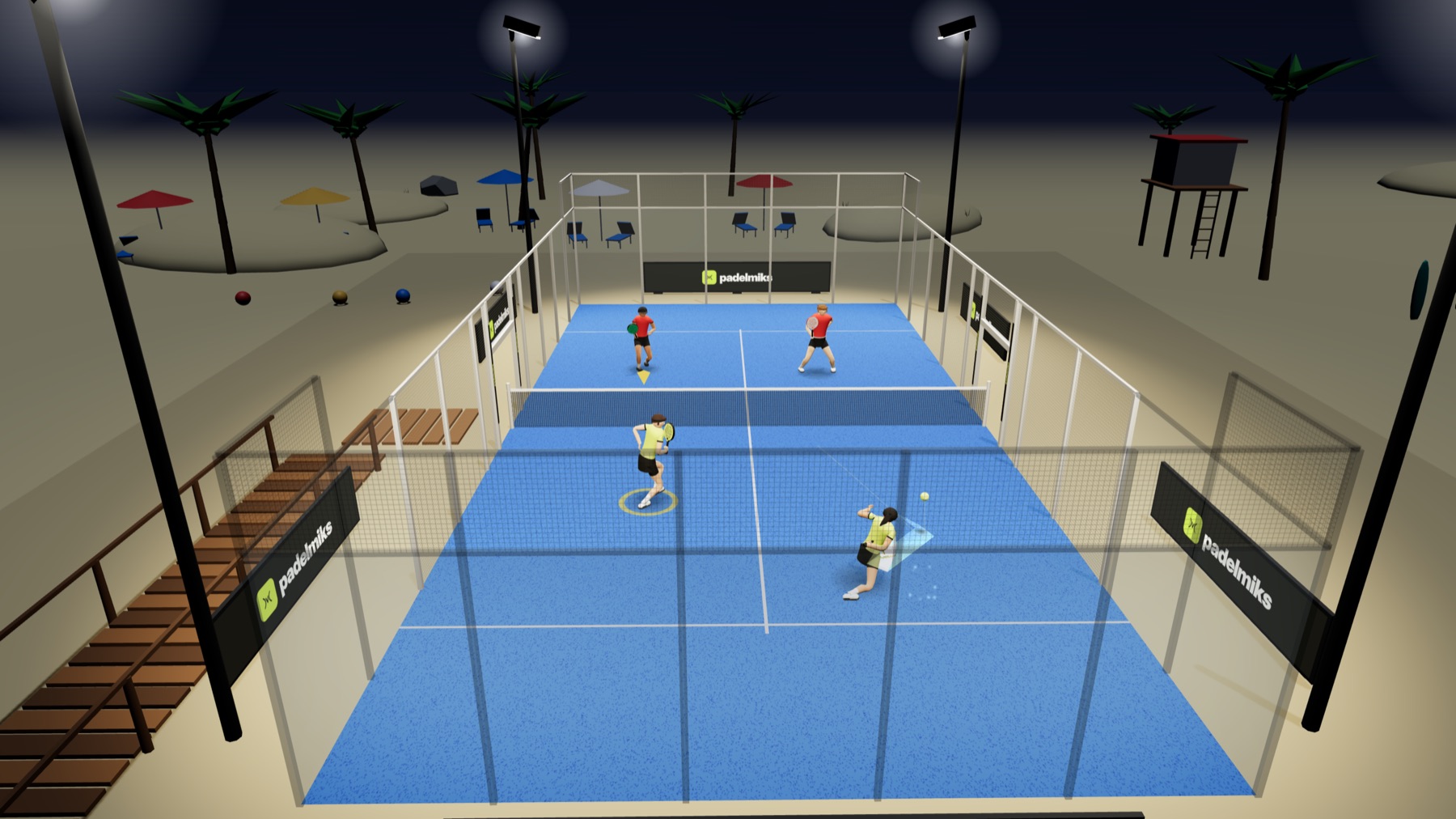
| Court | Park, hall or beach. |
| Time | Day or night under floodlights. |
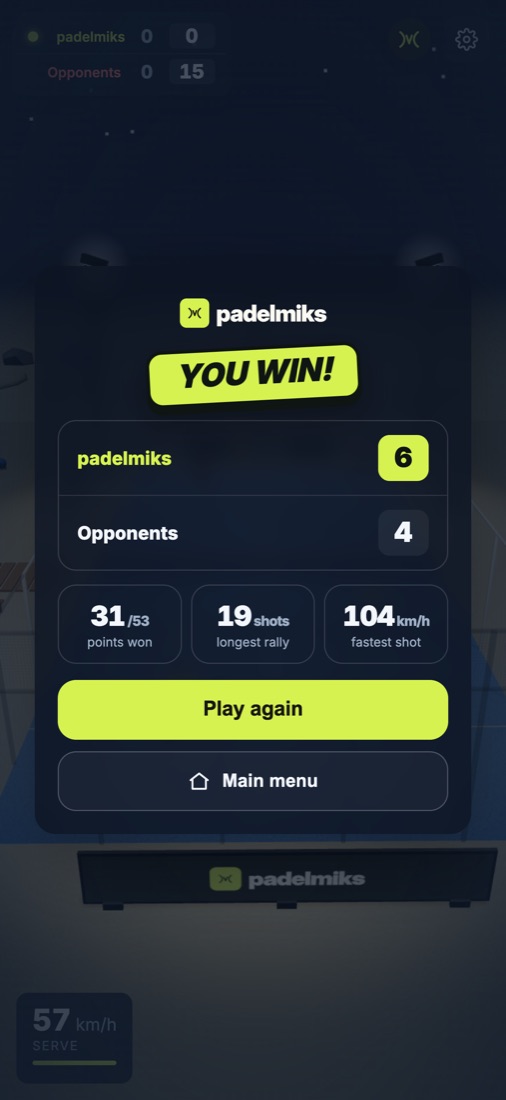
After every match you see the score and stats: points won, longest rally and fastest shot.
Online play with a friend
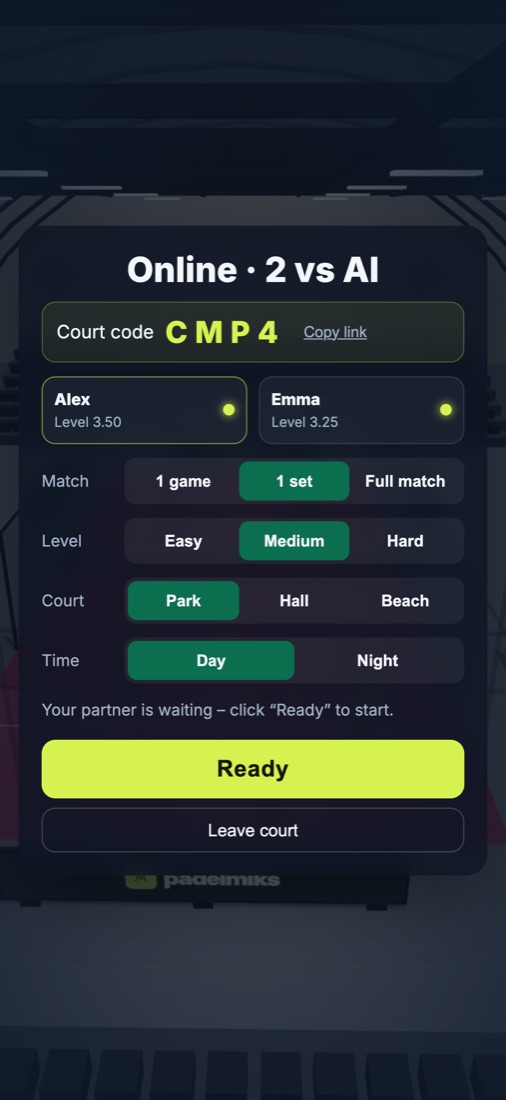
- Choose 2 players online vs AI and Open a court.
- Give your friend the 4-character court code or send them the link (Copy link).
- Your friend enters the code and taps Join. The court host picks the match settings.
- You both tap Ready and the match starts. You play together on one team against two AI opponents.
If the connection drops for a moment, the game reconnects and the match carries on. If your partner doesn't come back within 30 seconds, the match ends. Both players need the same game version – if you see a message about different versions, reload the page.
iPhone and iPad version
- Quick match is free, with no account.
- Buy the full version – a one-time App Store purchase unlocks all formats, courts, levels and online play. No subscription, no ads.
- Restore purchase (below the purchase button) – unlocks the full version on a new device or after reinstalling, on the same Apple ID.
- Online play in the app needs a one-time Sign in with Apple – so your friend sees your name on court.
Frequently asked questions
I can't serve.
One player serves the whole game. If an opponent or your partner is serving, wait – the hint at the bottom of the screen shows who serves. In online play make sure you both have reloaded the page.
The game is slow or stutters.
Close other tabs and apps. In the browser, up-to-date Chrome, Safari and Edge work best. On older phones the game lowers the graphics quality on its own.
I bought the full version but I can't see it.
Tap Restore purchase on the start screen. Make sure the device is signed in to the same Apple ID you used to buy the game.
I can't join my friend's court.
The code has 4 characters and stays valid while the host is on court. A court holds two players, each on their own Apple ID.
How do I change the language?
The PL / EN switch is in the corner of the start screen and in the settings (gear icon).
Contact
Something not working, or have an idea for the game? Write to kontakt@padelmiks.pl. Let us know which device you play on – it helps us help you faster.